Q1 - Initialize a Repository and Basic Configurations
Problem Statement
Initialize a Repository
Create a new Git repository in a folder namedMyProject. This initializes a.gitfolder where Git will track changes. Verify the repository is initialized usinggit status.Set Up User Details Globally
Configure your Git setup by setting your global username asDevUserand email asdevuser@example.com. This ensures all commits made by you are attributed correctly across all repositories.Set Up Project-Specific User Details
Override the global Git configuration for a specific project. SetProjectUseras the username andprojectuser@example.comas the email to track contributions differently in that project.Check Configuration
Display all Git configuration details to ensure setup correctness. Usegit config --listand filter only theusersettings for clarity.
Solution
1. Initialize a Repository
Open a terminal and navigate to the folder where you want to create the repository
mkdir MyProject
cd MyProject
Initialize the Git repository
git init
This creates a .git folder in the MyProject directory.
Verify that the repository is initialized
git status
You should see a message like,
On branch main
No commits yet
nothing to commit, working tree clean
2. Set Up User Details Globally
Set global username and email
git config --global user.name "Syed Jafer"
git config --global user.email "contact.syedjafer@gmail.com"
Verify the global configuration is updated
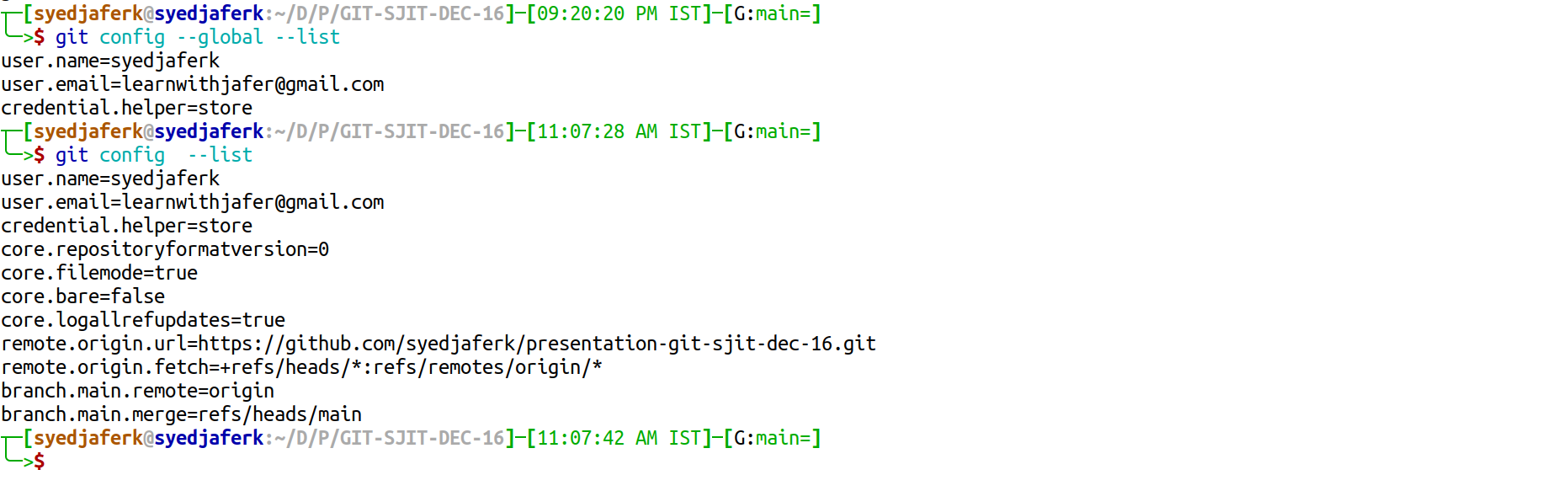
git config --global --list