
Story 1 · ntfy
The Little Bell That Rang
“A server that cannot tap you on the shoulder is a server that will fail in silence.”
13 min read · by Syed Jafer K
1. The Night the Backup Died
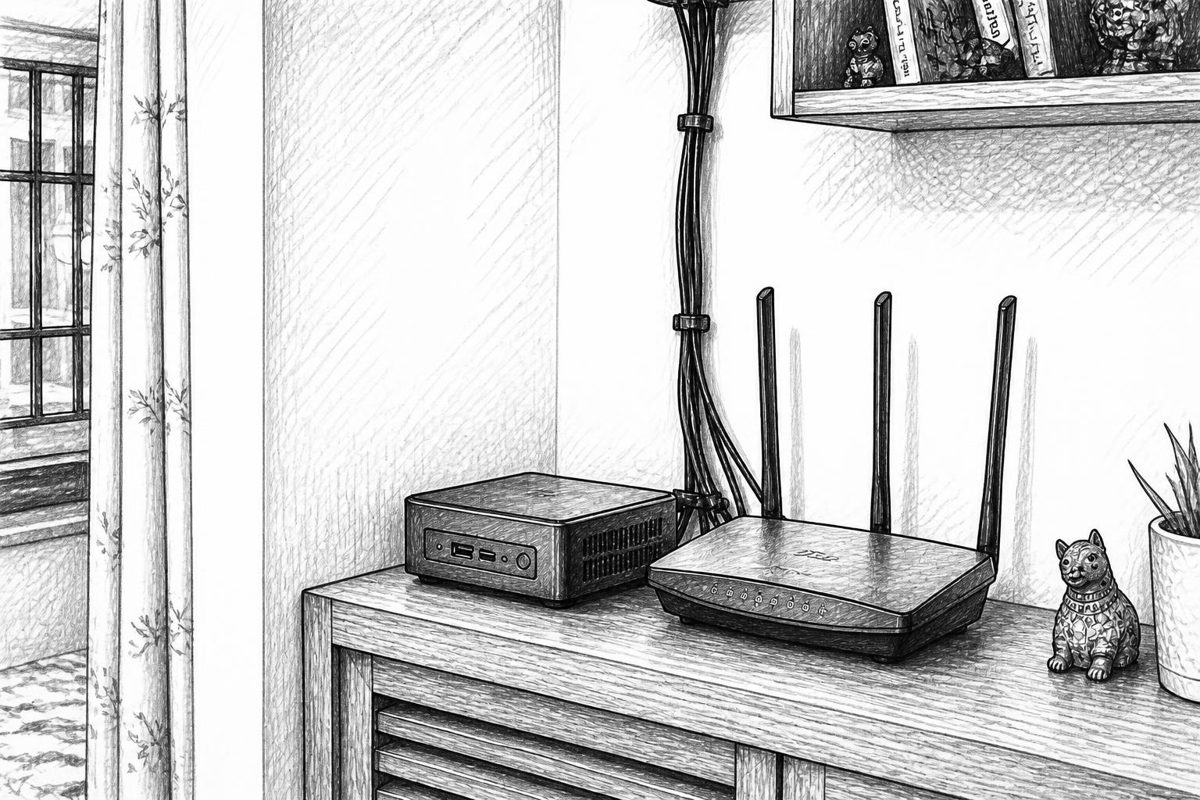
Meera ran a small home server in the corner of her flat — an old mini-PC humming behind the router. It held her family photos, her father's scanned documents, and a few side projects. Every night at 2 a.m., a script backed everything up to an external drive.
One evening her father asked for a photo of his 2019 pilgrimage trip. Meera opened the backup folder.
Empty. The last good backup was forty-one days old.
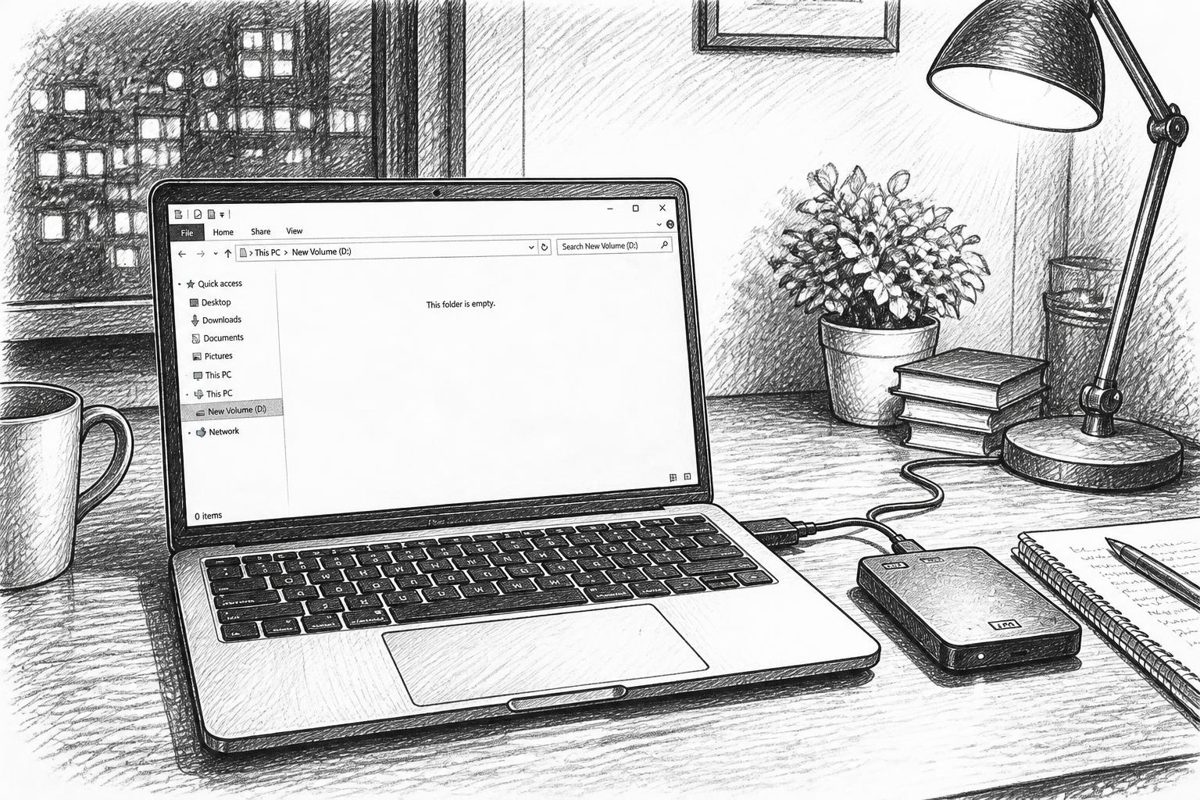
The script had been failing every night. The drive had unmounted itself. The script wrote an error to a log file that nobody read, and quietly went back to sleep.
"The problem," she told her friend Arjun over filter coffee, "isn't that the backup failed. It's that nobody told me."
Arjun, who ran servers for a living, smiled. "Email?"
"Setting up a mail server to send an email that says 'the other thing broke'? No."
"Then you don't need email. You need a bell." He took a napkin and wrote one word: ntfy.

"Say it notify," he said. "It's a tiny self-hosted service. You send it a message with a plain HTTP request. It rings your phone. That's the whole idea."
2. The Idea: Topics, Publishers, Subscribers
Back home, Meera read the docs. The mental model was so small she could draw it on one hand:
- A topic is a named mailbox, like
meera-server-alerts. No signup needed to create one; it exists the moment someone uses it. - A publisher is anything that sends a message to a topic — a script, a cron job, a Grafana alert, a
curlcommand. - A subscriber is anything that listens to a topic — a phone app, a browser tab, a terminal.
It is publish/subscribe over plain HTTP. No SDK. No account. If you can run curl, you can ring the bell.
Before installing anything, she tried the public demo server, ntfy.sh:
curl -d "Hello from my kitchen" ntfy.sh/meera-test-9f3k
On her phone she had installed the ntfy app (Android from Play Store or F-Droid, iOS from the App Store), tapped +, and subscribed to meera-test-9f3k. Her phone buzzed:
Hello from my kitchen
She laughed out loud. One line of shell, one buzz.
But then she paused. "Wait. Anyone who guesses my topic name can read my messages. And anyone can send to it."
Arjun had warned her: on the public server, a topic name is your only password. Fine for a hello-world, not for server alerts about her family's data. That meant one thing: host her own.
3. Building Her Own Bell (Self-Hosting ntfy)
ntfy is a single Go binary, which makes it a joy to self-host. Meera used Docker Compose.
# docker-compose.yml
services:
  ntfy:
    image: binwiederhier/ntfy
    container_name: ntfy
    command: serve
    restart: unless-stopped
    ports:
      - "8080:80"
    environment:
      TZ: Asia/Kolkata
    volumes:
      - ./cache:/var/cache/ntfy
      - ./etc:/etc/ntfy
Then she created the config file etc/server.yml:
base-url: "https://ntfy.meera.example"   # the public URL of the server
listen-http: ":80"

# Remember messages so offline phones can catch up
cache-file: "/var/cache/ntfy/cache.db"
cache-duration: "12h"

# Allow file attachments
attachment-cache-dir: "/var/cache/ntfy/attachments"
attachment-total-size-limit: "5G"
attachment-file-size-limit: "15M"
attachment-expiry-duration: "3h"

# Lock the doors (we'll get to this)
auth-file: "/var/lib/ntfy/user.db"
auth-default-access: "deny-all"

# She sits behind a reverse proxy
behind-proxy: true
She ran docker compose up -d, pointed her reverse proxy (Caddy) at port 8080 with HTTPS, and opened https://ntfy.meera.example in a browser.
There it was: ntfy's web app, served from her own machine.
A few notes she scribbled in her notebook:
| Setting | What it does |
|---|---|
base-url |
Required. Used for attachment links, web push and so on. |
cache-file |
SQLite store of messages. Without it, messages vanish if nobody's connected. |
behind-proxy |
Makes ntfy trust X-Forwarded-For so rate limits work per real client. |
attachment-* |
Where uploads go and how big/long they live. |
Why HTTPS matters: phones, browsers and web push all expect it. Put ntfy behind a reverse proxy (Caddy, Nginx, Traefik) with a real certificate.
4. Locking the Doors: Users, Roles and Access Control
An open bell is a bell anyone can ring. With auth-default-access: "deny-all", nothing worked for anyone — which was exactly what she wanted. Now to let herself in.
docker exec -it ntfy ntfy user add --role=admin meera
# Password prompt appears
Then she made a second, limited user — a robot account for her scripts, which should only be able to write to the alerts topic and never read anything:
docker exec -it ntfy ntfy user add backup-bot
docker exec -it ntfy ntfy access backup-bot server-alerts write-only
Her father's phone, she decided, would be a read-only subscriber:
docker exec -it ntfy ntfy user add appa
docker exec -it ntfy ntfy access appa family-news read-only
Four permission levels exist: read-write, read-only, write-only, and deny. Topic names can use wildcards (alerts-*), and a special user * represents anonymous visitors.
Passwords in scripts are ugly, so she generated an access token for the bot:
docker exec -it ntfy ntfy token add backup-bot
# tk_AgQdq7mVBoFD37zQVN29RhuMzNIz2
Now her scripts could authenticate with a header instead of a password:
curl -H "Authorization: Bearer tk_AgQdq7mVBoFD37zQVN29RhuMzNIz2" \
     -d "Backup finished" \
     https://ntfy.meera.example/server-alerts
(Basic auth with -u user:pass works too.)
5. Fixing the Original Problem
Now she opened her backup script. Previously it ended silently. She added three lines:
#!/bin/bash
TOKEN="tk_AgQdq7mVBoFD37zQVN29RhuMzNIz2"
URL="https://ntfy.meera.example/server-alerts"

if rsync -a /data/ /mnt/backup/; then
  curl -H "Authorization: Bearer $TOKEN" \
       -H "Title: Backup OK" \
       -H "Tags: white_check_mark" \
       -d "Nightly backup completed." "$URL"
else
  curl -H "Authorization: Bearer $TOKEN" \
       -H "Title: BACKUP FAILED" \
       -H "Priority: urgent" \
       -H "Tags: rotating_light,floppy_disk" \
       -d "rsync failed. Is the drive mounted?" "$URL"
fi
That small script introduced the heart of ntfy's feature set — message headers. Each one changes how the notification looks and behaves.
6. The Anatomy of a Message
Over the next weeks, Meera discovered that a ntfy message is far richer than a line of text.
6.1 Title, message, and Markdown
Title (or X-Title, or t) adds a bold heading. The body can even render Markdown in the web app when you send Markdown: yes:
curl -H "Markdown: yes" -H "Title: Weekly report" \
     -d '**3** photos added, `0` errors, see [dashboard](https://grafana.meera.example)' \
     https://ntfy.meera.example/server-alerts
6.2 Priority
Five levels control how loud the phone gets:
| Level | Name | Behaviour |
|---|---|---|
| 5 | max / urgent |
Long vibration, pops over screen, can bypass Do Not Disturb (if allowed) |
| 4 | high |
Long vibration |
| 3 | default |
Normal sound |
| 2 | low |
Quiet, no sound |
| 1 | min |
Silent, hidden until you open the app |
Backup OK = priority 2. Backup FAILED = priority 5, loud enough to wake her at 2 a.m.
6.3 Tags and emojis
Tags: warning,skull turns into ⚠️💀 in front of the title. Tags that are not recognised emoji names become small text labels. A quick visual cue — she could tell failure from success without reading.
6.4 Click actions
Tap a notification and go somewhere:
curl -H "Click: https://grafana.meera.example/d/disk" \
     -H "Title: Disk 91% full" \
     -d "Tap to see usage" \
     https://ntfy.meera.example/server-alerts
6.5 Icons
Icon: https://meera.example/icons/server.png replaces the little notification icon — handy for telling services apart at a glance.
6.6 Attachments

Her camera-trap script (a side project watching her balcony for the neighbourhood cat) sent actual photos:
curl -T cat.jpg \
     -H "Filename: balcony-cat.jpg" \
     -H "Title: Visitor at 3:12 a.m." \
     https://ntfy.meera.example/balcony
The server stores the file (within the limits she set in server.yml) and the phone shows a preview. If the file lives elsewhere, Attach: https://…/photo.jpg just references a URL instead of uploading.
6.7 Delayed delivery
curl -H "Delay: tomorrow, 9am" \
     -d "Renew the domain name today" \
     https://ntfy.meera.example/reminders
Delay takes durations (30m, 2h), natural language (tomorrow 10am) or Unix timestamps. ntfy holds the message and delivers it on time. It works as a surprisingly good reminder system — no cron required. (Scheduled messages can also be cancelled before they fire.)
6.8 Email forwarding
For the one person in her family who never installs apps:
curl -H "Email: amma@example.com" \
     -d "Photos for the month are backed up." \
     https://ntfy.meera.example/family-news
The server forwards the message as an email (this requires configuring SMTP in server.yml via smtp-sender-addr, smtp-sender-user, etc.). The reverse also exists: with the SMTP server feature enabled, you can send an email to family-news@ntfy.meera.example and it becomes a push notification — useful for ancient devices (printers, NAS firmware) that can only send email.
6.9 Action buttons
This was Meera's favourite. A notification can carry up to three buttons:
curl -H "Title: Door camera: motion" \
     -H "Actions: view, Open feed, https://cam.meera.example; \
                  http, Turn on light, https://home.meera.example/api/light, method=POST, body=on" \
     -d "Motion at the front door" \
     https://ntfy.meera.example/doorcam
Three action types:
- view — open a URL or app link
- http — fire an HTTP request in the background (a button that does something)
- broadcast — (Android) send an intent to another app, e.g. Tasker
A notification that lets you act on the alert straight from the lock screen.
6.10 Templates
When another tool sends JSON she cannot change (Grafana, GitHub, Alertmanager), ntfy can reshape it. With Template: github or a custom Go-template, the JSON body is turned into a clean title and message — no glue script needed.
6.11 Updating and clearing messages
Messages can be given a sequence ID; sending a new message with the same ID replaces the old one on devices, and a delete request clears it. So "Backup running… 40%" can become "Backup done" in the same notification instead of piling up. (This is a newer feature — check your version's docs.)
7. Listening: Many Ways to Subscribe
A bell is only useful if you can hear it. ntfy offers many ears:
The mobile apps. Android and iOS apps subscribe per topic, with per-topic settings: sound, minimum priority, mute, Do Not Disturb override. They can point to any server, including hers — she added her server URL and logged in with her username.
The web app. Open https://ntfy.meera.example, subscribe, and optionally enable browser notifications (Web Push, which works even when the tab is closed, on supported browsers).
The command line. The ntfy CLI (or plain curl) can stream:
# Live stream, one JSON object per line
curl -s -u meera:secret https://ntfy.meera.example/server-alerts/json

# Server-Sent Events
curl -s https://ntfy.meera.example/server-alerts/sse

# Raw: just the message text, one per line
curl -s https://ntfy.meera.example/server-alerts/raw

# WebSocket
websocat wss://ntfy.meera.example/server-alerts/ws
The CLI that runs commands.
ntfy subscribe server-alerts 'notify-send "$m"'
Each incoming message runs your command with environment variables like $m (message), $t (title) and $p (priority). She hooked it to her desktop's notification daemon, and later to a script that turned the porch light red on priority 5.
Catching up. Her phone was off during a power cut. When it came back, the cache (remember cache-file?) let it fetch what it missed:
curl "https://ntfy.meera.example/server-alerts/json?poll=1&since=12h"
since accepts a duration, a timestamp, a message ID, or all. poll=1 fetches and returns instead of holding the connection open.
Subscribing to many at once. ntfy.meera.example/alerts,doorcam,balcony/json multiplexes several topics in a single stream.
Filtering. Add query parameters such as ?priority=high,urgent, ?tags=warning, or ?title=Backup to receive only what matters.
8. The Phone That Sleeps (Instant Delivery Explained)
One thing confused her: Android handled her self-hosted server fine, but iOS notifications arrived late.
Arjun explained over a video call. Phones don't like apps keeping connections open forever; Apple in particular forbids it. Android can use a persistent connection (and optionally Firebase Cloud Messaging, FCM, if you use the Google Play build). iOS requires Apple's push service (APNs), which a self-hosted server can't reach directly.
The solution is a clever bit of plumbing. In her server.yml:
upstream-base-url: "https://ntfy.sh"
Her server then sends only a tiny poll request to the public ntfy.sh server — it contains a hash-like message ID and no message content. ntfy.sh pokes the iOS app via APNs, and the app immediately fetches the real message from her server. The private text never leaves her machine; only a "wake up and check" nudge does.
9. The Bell Becomes a Doorway: UnifiedPush and Integrations
As her server grew, other tools wanted to speak. ntfy proved a good listener:
- Uptime Kuma — selects "ntfy" as a notification channel and points it at her topic.
- Grafana, Alertmanager, Healthchecks.io, Gotify-style webhooks, Home Assistant, Proxmox, Watchtower — all have ntfy support or simple webhook support.
- GitHub Actions / CI — a
curlat the end of a pipeline: "Deploy finished". - Long-running commands — a one-liner habit:
./train_model.sh; curl -d "Training done: exit $?" ntfy.meera.example/dev - UnifiedPush — an open standard for push notifications without Google. Apps like Element/Matrix clients, Tusky or Nextcloud can use her ntfy server as their push provider on Android. Her bell now rang for chat apps too, with no Google in the loop.
10. Keeping the Bell Healthy
Eventually Meera put on her sysadmin hat.
- Rate limits. ntfy limits requests per visitor (message bursts, daily emails, attachment bandwidth), configurable with options such as
visitor-request-limit-burst. For a home server, the defaults are generous; for a public one, they protect you from abuse. - Message retention.
cache-durationcontrols how long messages are kept;attachment-expiry-durationhow long files live. Her disk never fills with old cat photos. - Metrics.
enable-metrics: trueexposes a Prometheus endpoint, so she could chart her own notification traffic in Grafana — and, naturally, alert via ntfy about ntfy. - Backups. Two files matter:
user.db(users, tokens, ACLs) andcache.db(messages). She added them to the very backup script that started this story. - Updates.
docker compose pull && docker compose up -d.
Does the irony of backing up the thing that reports backups escape her? Not at all. She also added an external uptime check that rings a different channel if ntfy itself goes quiet.
11. Epilogue: The 2 a.m. Buzz
Three months later, at 2:04 a.m., Meera's phone gave a long, angry vibration. She squinted at the screen:
🚨💾 BACKUP FAILED rsync failed. Is the drive mounted? [ Open dashboard ] [ Retry backup ]
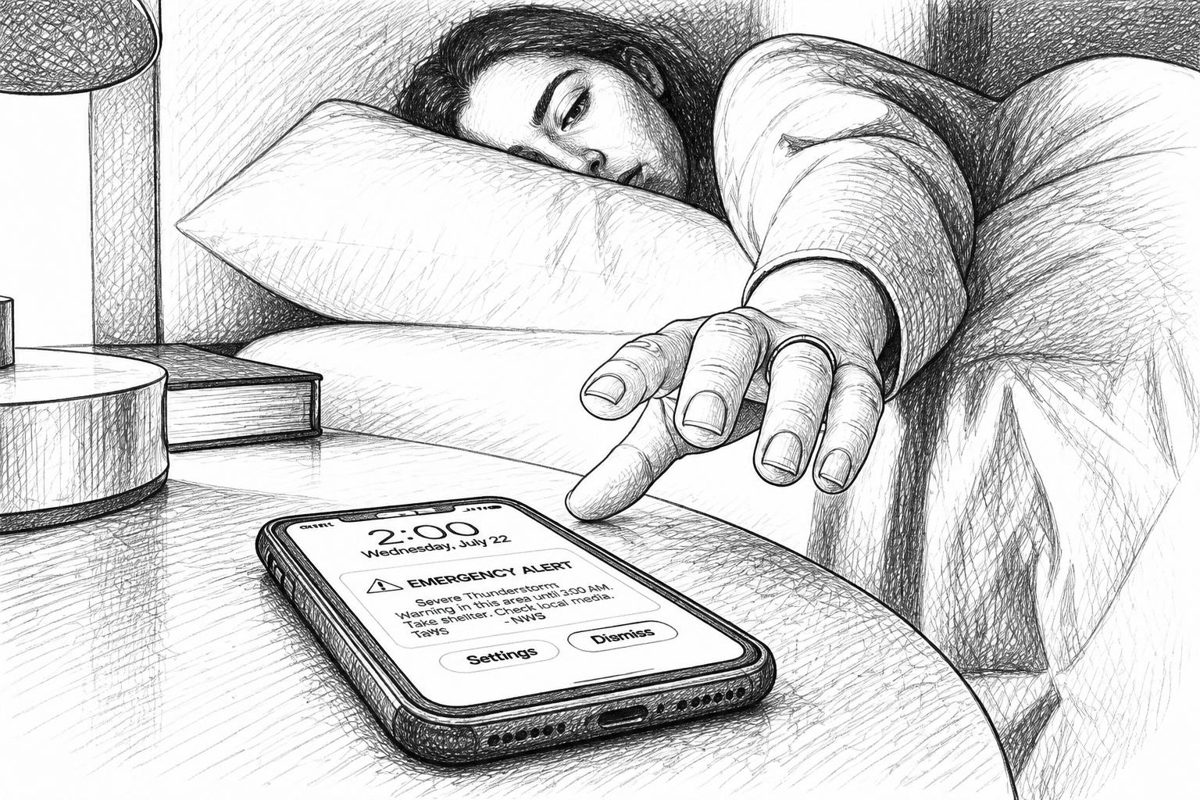
She sat up in bed, thumbed Retry backup — an http action that hit her server's API — and watched a minute later as a quiet, green note appeared:
✅ Backup OK
She was asleep again before the screen dimmed. The next morning, she showed her father the photo from his 2019 pilgrimage — one he had been waiting forty-one days to see.

Quick Reference Cheat-Sheet
| I want to… | Do this |
|---|---|
| Send a message | curl -d "text" server/topic |
| Add a title | -H "Title: ..." |
| Set urgency | -H "Priority: 1–5" (or min…urgent) |
| Add emoji/tags | -H "Tags: warning,skull" |
| Open URL on tap | -H "Click: https://..." |
| Attach a file | curl -T file.jpg server/topic |
| Schedule it | -H "Delay: 30m" / "tomorrow, 9am" |
| Add buttons | -H "Actions: view, Label, URL; http, Label, URL" |
| Forward to email | -H "Email: you@example.com" |
| Render Markdown | -H "Markdown: yes" |
| Authenticate | -u user:pass or -H "Authorization: Bearer tk_..." |
| Stream messages | /topic/json, /sse, /raw, /ws |
| Catch up | /topic/json?poll=1&since=12h |
| Add a user | ntfy user add [--role=admin] name |
| Grant access | ntfy access name topic read-write|read-only|write-only|deny |
| Create a token | ntfy token add name |
Key takeaways
- ntfy = pub/sub over HTTP. A topic is just a URL.
- Self-host it so topics are private; use
auth-default-access: deny-all, users, ACLs and tokens. - Headers make messages rich: title, priority, tags, click, icon, attachments, delay, buttons, email, Markdown.
- Subscribe anywhere: mobile, web, CLI, JSON/SSE/WebSocket streams.
upstream-base-urlgives instant iOS delivery without leaking message content.- Everything can talk to it, from cron jobs to Grafana to UnifiedPush apps.
Self-hosting gives your services a home. ntfy gives them a voice.